Install Crucible Heightmap
Crucible Heightmap installs through the Crucible launcher. You install the launcher once, add Crucible Heightmap from its Apps library, and activate your license in the launcher to unlock it. It runs on Windows 10 and 11, installs per-user with no admin rights, and the launcher keeps it up to date.
Install the app
Section titled “Install the app”- Download the installer,
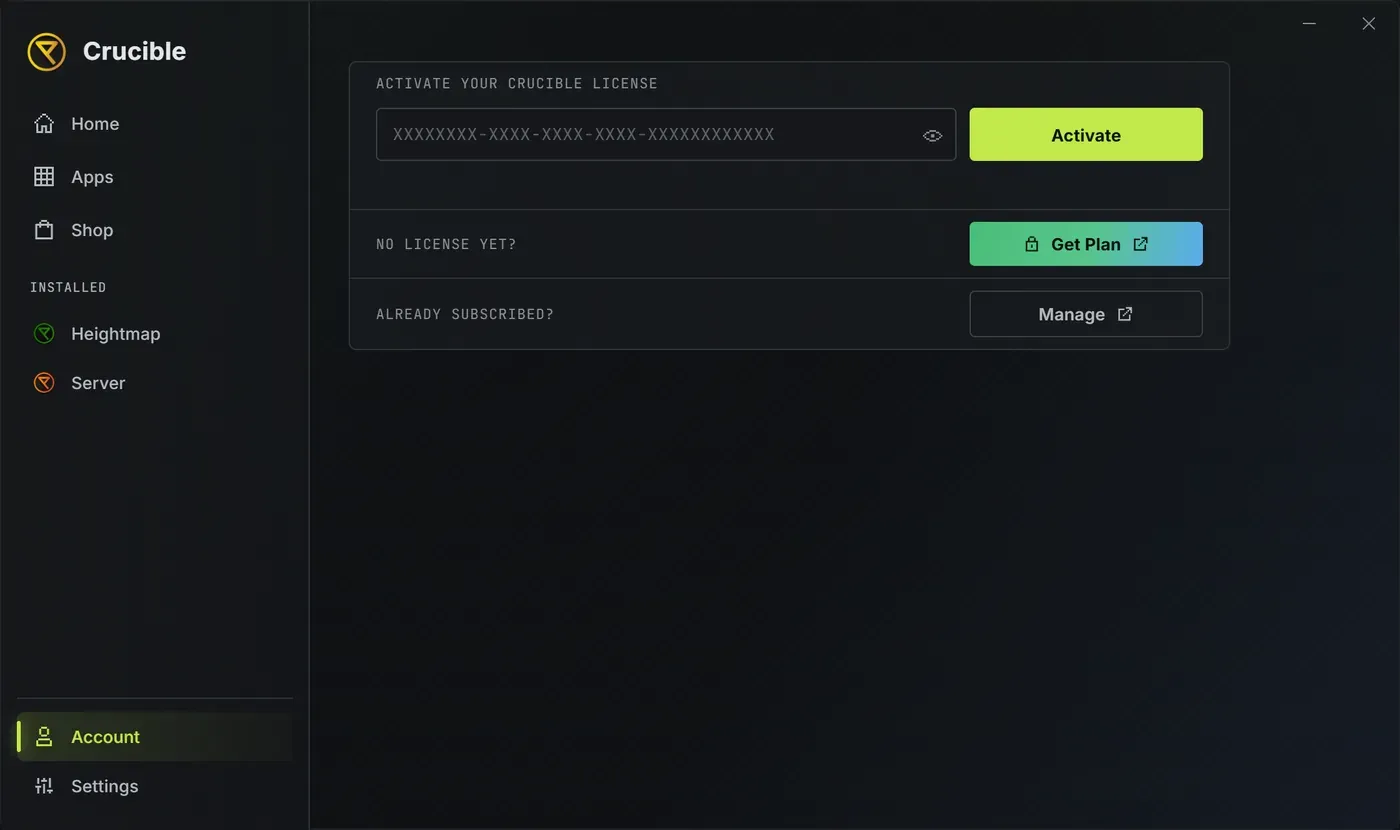
CrucibleSetup.exe, and run it. This installs the Crucible launcher. See install and update the Crucible launcher for the full walkthrough. - In the launcher, open the Shop tab and buy Crucible Heightmap. Your license is applied automatically and the app installs itself, no key to paste. Already have a license? Install it from the Apps library and activate your key in the Account panel instead. See buy, activate and manage your license.
- Launch Crucible Heightmap from the launcher.
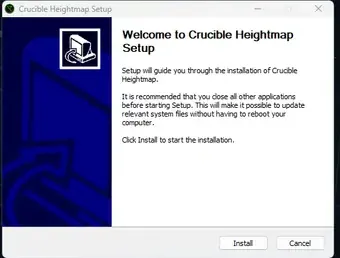
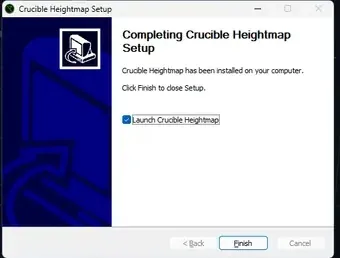
Once your license is active, Crucible Heightmap opens straight into the app. If you ever need to enter a key by hand (for example a license bought from the website, or a second PC), the launcher’s Account panel has a field to paste it.
License and pricing
Section titled “License and pricing”Crucible Heightmap is $4.49 per month or $44.99 per year, and one license covers up to 2 PCs. Activation, device usage, moving to a new PC, billing, and license problems are all handled in the launcher: see activate and manage your license.
Updates
Section titled “Updates”The launcher handles updates, and you never reinstall. When a new Crucible Heightmap version is published, an Update button appears on its tile and on its detail page, and launching the app asks whether you want Update now or Launch this version.
Background installing happens only if you turn on Auto-update apps in the launcher’s Settings, and that toggle is off by default. Leave it off and updates wait for you to click Update. The launcher’s Settings > Updates > Check for updates covers the app and the launcher together. See install and manage your apps and launcher settings, tray, and startup.