Full multi-island maps
A single island is only the start. Crucible Heightmap can generate a whole custom Rust map in one click: map-filling landmasses with real bays, peninsulas, branches, and offshore islands. Turn on multi-island randomize, pick which map styles you want, and every Conjure rolls a fresh full map.
This is the automatic way to fill a map. If you would rather place and mix islands by hand, see combine island seeds.
Turn on multi-island randomize
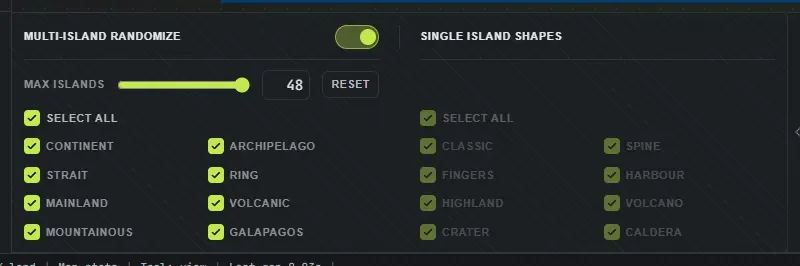
Section titled “Turn on multi-island randomize”The controls live in a slide-out drawer on the edge of the left sidebar, next to the Conjure button. Click the tab handle to open it, or press I (rebindable in Settings).
-
Multi-island randomize: flip this toggle on. Now every Conjure rolls a full map instead of a single island. Turn it off to go back to single-island rolls.
-
Max islands: the ceiling on how many landmasses a map can use (up to 48). This is a cap, not a target: a simpler layout uses fewer than the cap and only a dense one uses them all. Raise it for a busier map, lower it for a simpler one.
-
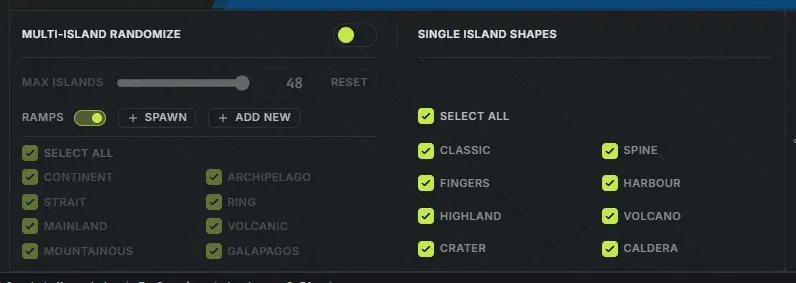
Ramps: leave this on and every Conjure cuts ramps up the cliffs a player cannot drive past. + Spawn adds more to the map you have open, and + Add new places one where you click. See ramps.
Choose your map styles
Section titled “Choose your map styles”Each map style is a different overall shape, and every checkbox you leave on is in the pool. Each Conjure picks one enabled style at random, so you get variety instead of the same silhouette every time. At least one style always stays on.
- Continent: one chunky, map-filling landmass with deep bays and inlets.
- Archipelago: several separate landmasses split by real water channels.
- Strait: land split in two by a channel cut down its axis, so the two halves are genuinely separate. The channel meanders rather than running straight, and its width varies along its length.
- Ring: land arranged around a central body of water.
- Mainland: a dominant landmass with smaller islands scattered around it.
- Volcanic: a mainland with volcanoes, craters and calderas grown on it, spines running off the volcanoes, and sometimes a caldera out on its own island.
- Mountainous: two or three parallel mountain ranges on a diagonal belt, with open water in the valleys between them and low saddles crossing so the belt stays one landmass. Craters and calderas, no volcanoes.
- Galapagos: volcanic islands on open ocean, built around one or two clusters of larger islands with smaller ones scattered around them. Volcanoes and calderas on every map, each caldera standing as its own island. No craters, and a different layout every roll.
Select all is a toggle. With some styles off it switches them all back on; click it again once they are all on and it turns every style off except the first, which is a quick way to get back to a single style. Leave just one on to force that style on every roll, or leave several on to mix them up.
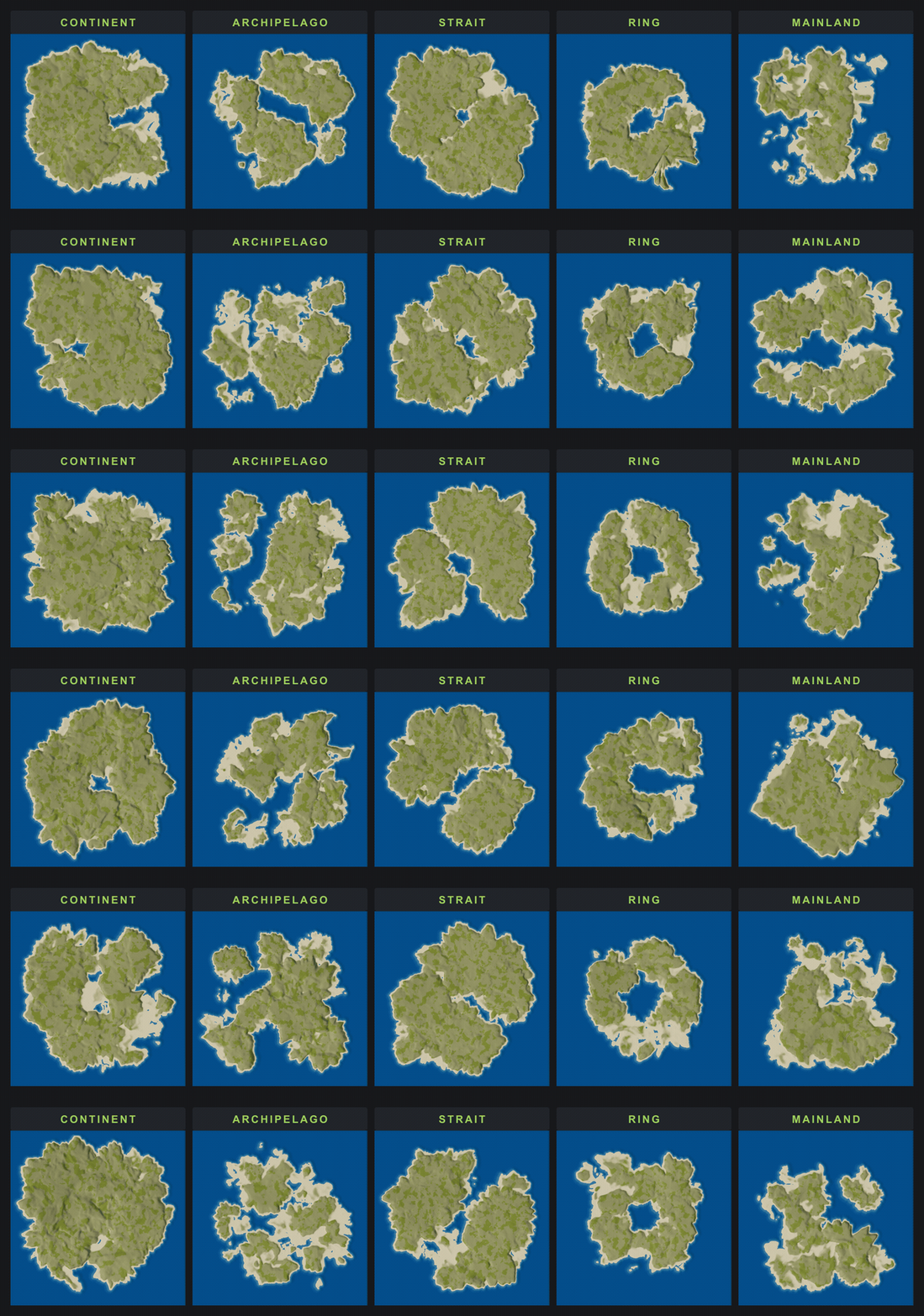
Each Conjure rolls a fresh layout, so the same style gives you endless variety:
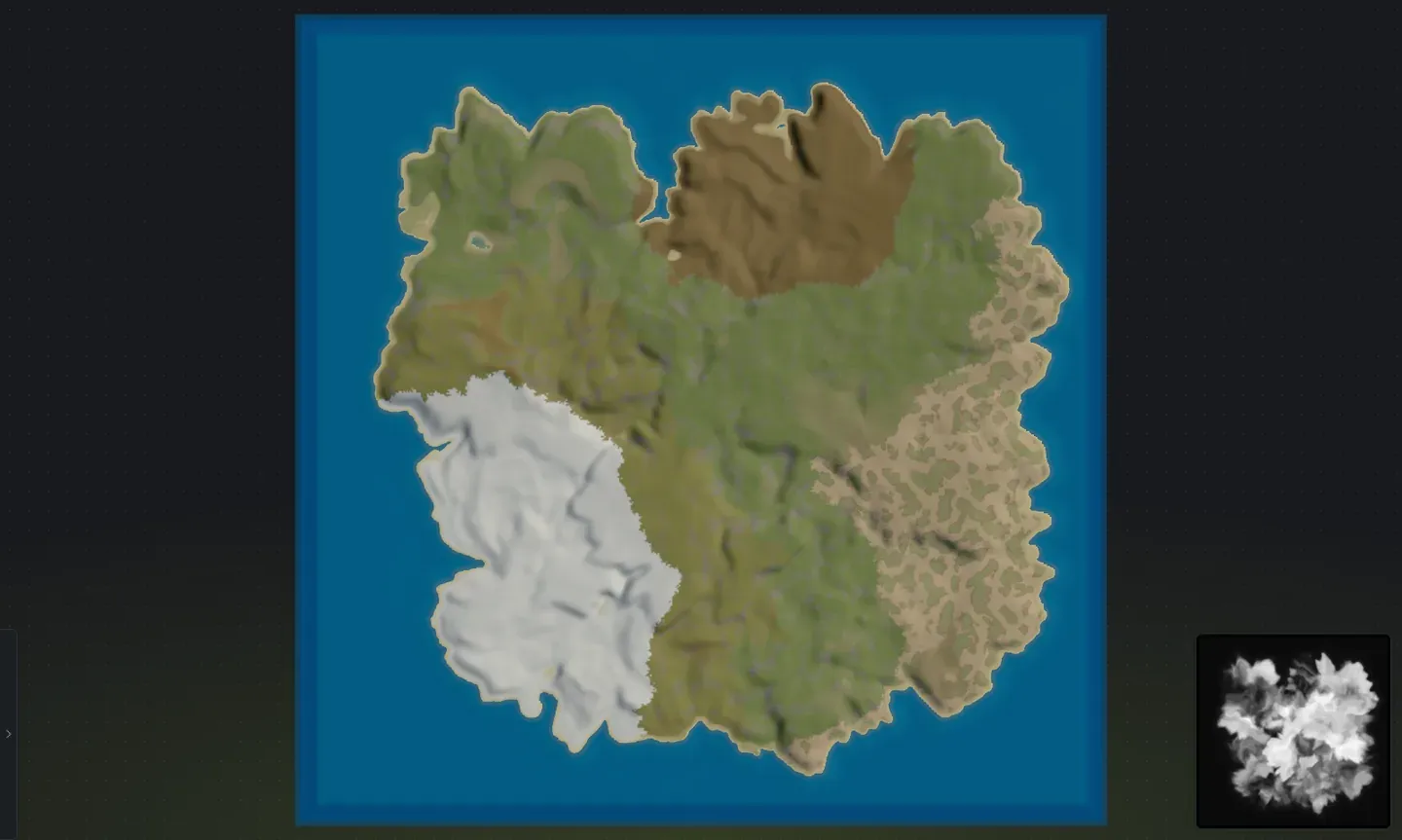
Roll your map
Section titled “Roll your map”With the toggle on, press C or click Conjure to roll a whole map, and keep rolling until you land on one you like. Each roll re-places everything, so no two are the same.
Everything else still works on a rolled map: select any island to move, rotate, scale, or re-roll it on its own, paint splats, edit terrain with the brush, and check the layout in the 3D preview before exporting.
A top-down view shows the full-map layout clearly:
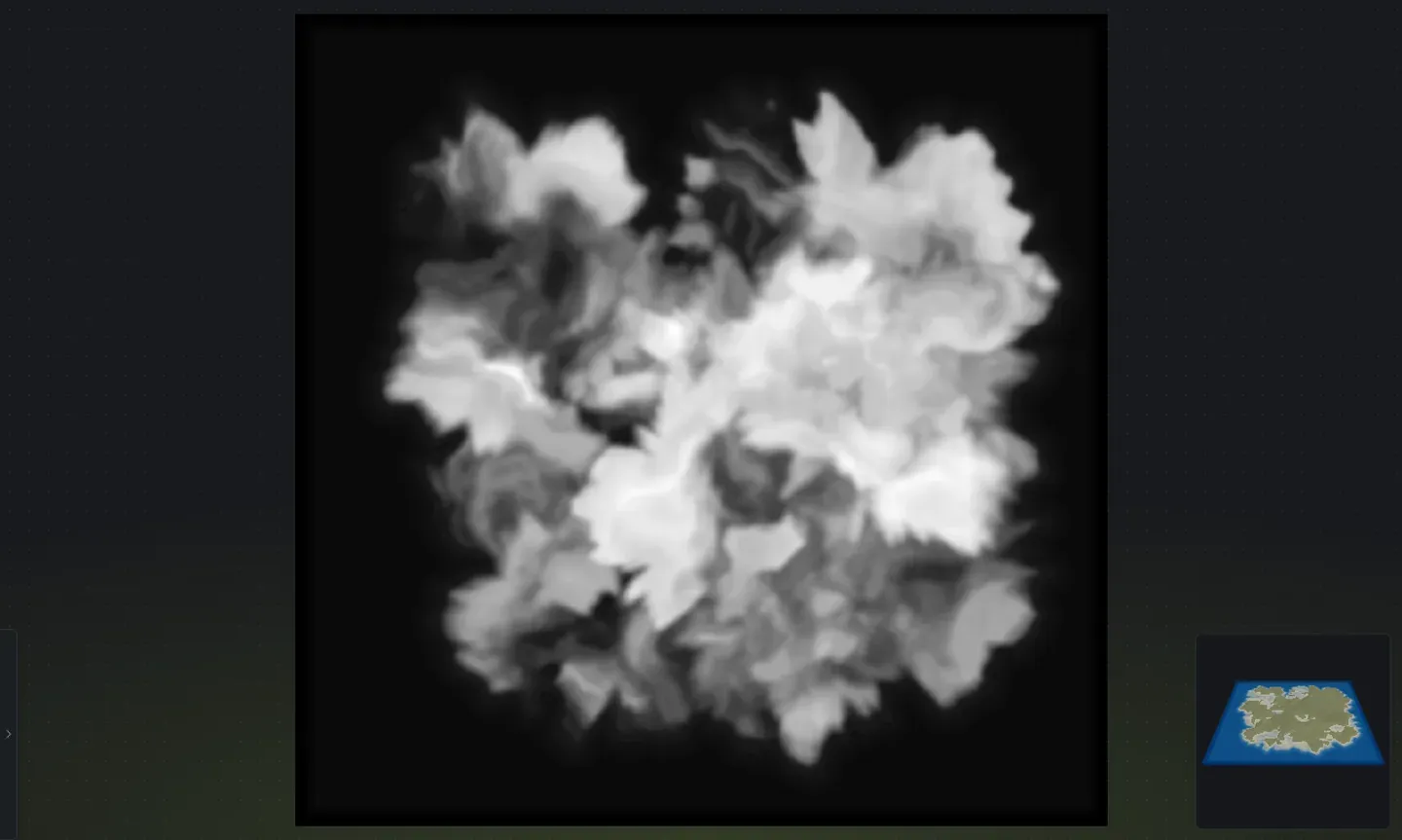
- Coastlines vary automatically: every roll mixes smoother and rougher coasts, and some islands rise into steep cliff shores that become tall cliffs when you build the map in RustEdit.
- Cap the busyness: if maps feel too crowded, drop Max islands; if they feel too empty, raise it and re-roll.
- Lock in a style: turn every style off except the one you want, so each roll stays in that family.
- Save what you like: save a rolled layout as a seed file so you can drop the whole thing into another map later.
- Draw the layout instead of rolling it: if you have a shape in mind, draw the islands yourself. Every separate piece of land you draw becomes its own island, in the terrain style you drew it with, exactly where you put it.
When the map looks right, export your Rust map and bring it into RustEdit. New to the full workflow? Start with how to make a custom Rust map.