
What is a Rust heightmap?
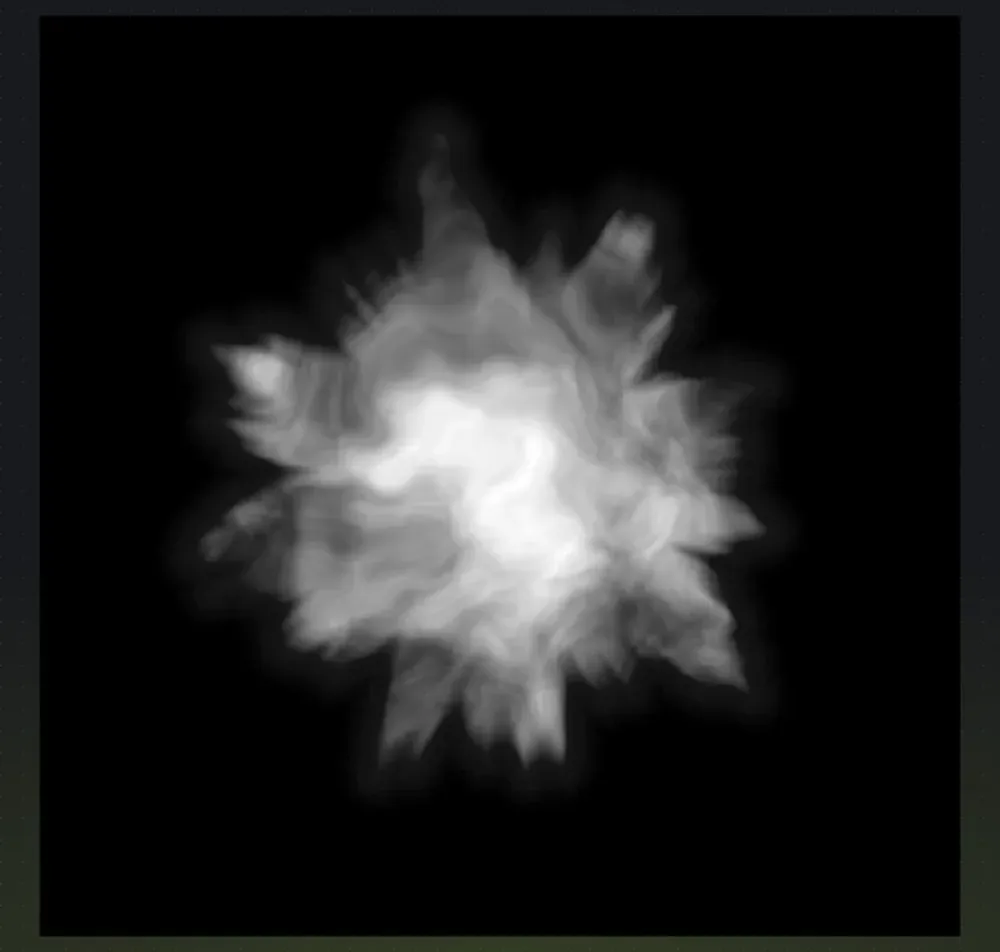
A heightmap is the terrain skeleton of a Rust map. It is a grayscale image where each pixel’s brightness value sets the elevation at that geographic point: dark pixels represent low elevation (ocean floor), bright pixels represent high elevation (mountains), and mid-gray sits around sea level. When you import a heightmap into RustEdit, it becomes the 3D terrain mesh that players walk on in game.
Why 16-bit
Section titled “Why 16-bit”Rust and RustEdit use 16-bit grayscale heightmaps because of the precision needed for natural-looking terrain. 16-bit gives 65,536 possible height values instead of 8-bit’s 256, which means smooth, continuous slopes and cliffs with no visible stair-stepping or banding artifacts. When you use 8-bit (256 values), the terrain looks terraced and unnatural in game, with visible “steps” in the slope.
How RustEdit uses it
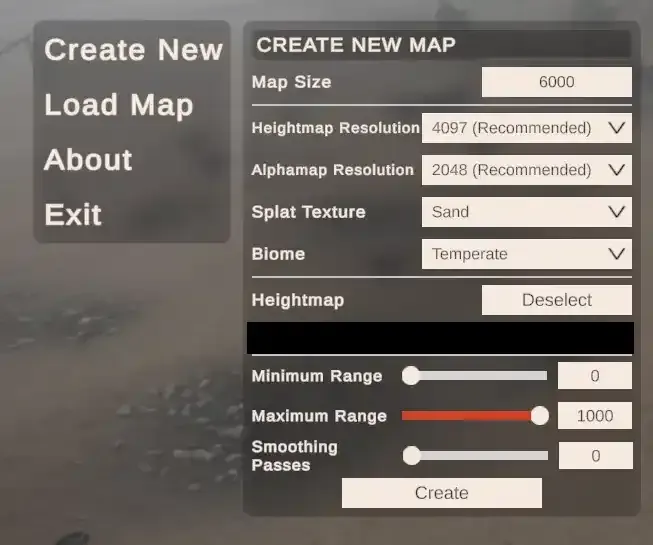
Section titled “How RustEdit uses it”RustEdit imports the heightmap and converts it into the 3D playable terrain mesh. When you import, the only thing you need to set is the map size. The heightmap resolution must match your map size (513, 1025, 2049, or 4097, see map sizes and resolutions), and RustEdit handles the rest. From there you can add monuments, roads, rivers, and biomes to build out your custom map. See import a heightmap into RustEdit.
Where Crucible fits
Section titled “Where Crucible fits”Hand-painting a 16-bit heightmap that looks natural is slow and finicky. Crucible Heightmap generates Rust-tuned terrain for you and exports it straight to a Rust .map file (or .raw) that RustEdit opens.