
In-game 3D view
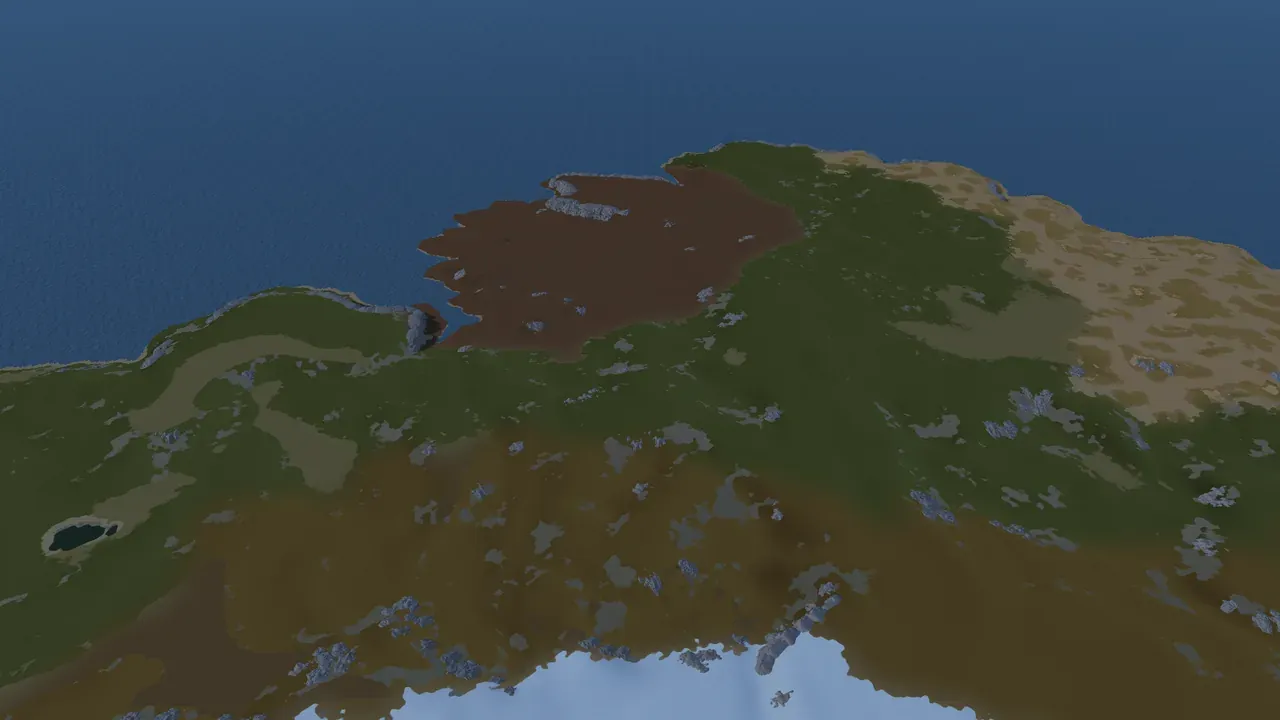
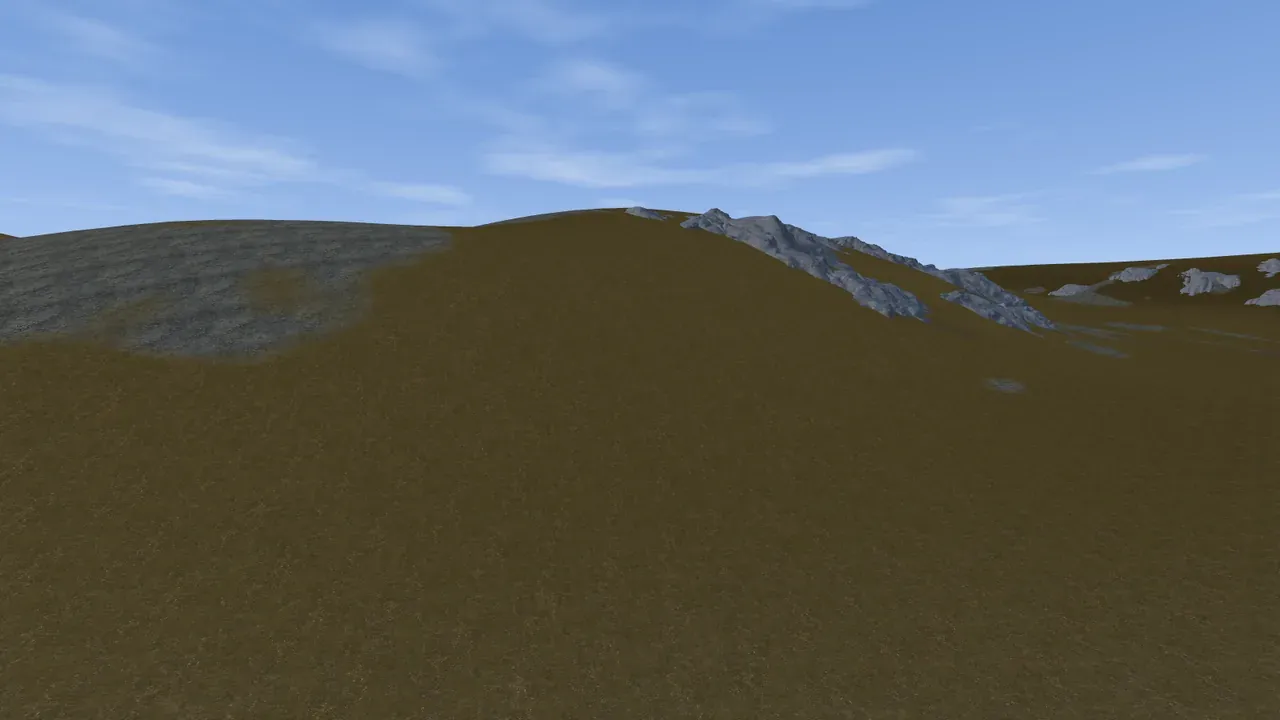
The in-game view is a third way to look at your map, alongside the flat 2D view and the live 3D preview. Where the 3D preview gives you a fast, stylised read of your terrain, the in-game view shows you the real thing: Rust’s own ground textures, real cliff and rock models, lakes as actual water, biome colouring, water and sky. Fly around and inspect your map up close before you ever export it.
You switch to it from the view tabs in the toolbar (it is the leftmost one) or by pressing 1. All three views are the same map: anything you generate, sculpt or paint shows up in all of them.
Flying the camera
Section titled “Flying the camera”The in-game view uses a free-fly camera so you can go anywhere on the map:
- Move with W, A, S, D.
- Rise and fall with Q and E.
- Look by holding the right mouse button and moving the mouse.
- Boost with Left Shift held, to cross the map quickly.
- Slow down with Space held, for precise positioning.
- Zoom with the mouse wheel.
A compass runs across the top of the view and turns with the camera, so you always know which way you are facing.
These camera keys are why the rest of the app avoids W, A, S, D, Q and E for its default shortcuts (see keyboard shortcuts). All of them are rebindable in Settings, under Live View Controls, along with move speed, look sensitivity, field of view and a Max FPS cap.
What you see here that you do not see in 3D
Section titled “What you see here that you do not see in 3D”The 3D preview is built for speed and for reading shape. The in-game view is built for judging the finished world:
- Real Rust ground textures instead of a stylised colour ramp.
- Biome colouring, so an arctic region reads as snow and an arid one reads as desert.
- Real cliffs and rocks: when cliff generation is on, Rust’s actual cliff and rock models stand on the terrain, exactly as they will in game.
- Lakes as real water bodies with their own colour, so you can tell an inland lake from the sea at a glance.
- Lava in a volcano’s vent, drawn as the real Rust prefab. This view and the 3D preview are the only places you can see it before the map is in game.
- Worldgen overlays, if you want to see biome or topology layers laid over the real render.
This is the view that answers “will this actually look right in Rust”, which is a different question from “is the shape good”.
Editing in the view
Section titled “Editing in the view”The in-game view is interactive, not just a camera:
- Paint ground textures directly on the terrain, the same splats you paint in the 3D view.
- Sculpt the terrain with the brush.
- Paint biomes and topology, while cliff generation is off.
An edit you make here shows up immediately in the 2D and 3D views, and rides into your project saves and exports.
What cliffs lock, and what they do not
Section titled “What cliffs lock, and what they do not”Tick Generate cliffs in the Worldgen panel and part of this view locks. The rule is simple: cliffs are placed from the ground they stand on, so anything that reshapes that ground under them is blocked here.
Locked with cliffs on: the terrain brush, the biome and topology brushes, dragging islands, and the grid.
Still live: conjure, salt and randomize (each one builds a whole new map, so the cliffs are rebuilt for it rather than stranded), splat painting (it colours the ground without moving it), and everything to do with looking: camera, sun, water and the slope overlay.
Every locked button says so in its tooltip. To use one, switch to the 3D view or turn cliffs off.
Requirements
Section titled “Requirements”- The in-game view runs on Windows, like the rest of Crucible Heightmap.
- The first time you open it, Crucible downloads the viewer module and shows its progress. This is a one-time setup; after that it opens straight away.
- It waits for the world to finish building before it hands control back, so the first open of a big map takes a moment.
Where it fits
Section titled “Where it fits”Use the fast 2D and 3D views to block out the big picture: rough in the island shapes and get the terrain where you want it. Generate the world once the shape is settled. Then drop into the in-game view to see what you have actually built, fly the coastlines, check the cliffs and the lakes, and dial in the details. When you are happy, export it for RustEdit.