
Lakes on a custom Rust map
A lake on a custom Rust map is not just low ground with water in it. Rust draws the sea as one flat plane across the whole world, so a basin that is only “below sea level” renders as a hole full of ocean, not a lake. Getting a real lake takes a water body of its own, the right shoreline layers, and a surface that sits above the sea.
Crucible does all of that for you when you generate the world.
What makes a lake
Section titled “What makes a lake”Any body of water that your terrain has closed off from the sea becomes a lake, as long as it is big enough to be worth one.
Three things stay ocean on purpose:
- Puddles. A tiny enclosed pocket is not a lake and does not get treated as one.
- Water close to the coast. In game, the sea would show straight through a lake that sits too near it, so water right by the coast stays part of the sea. The app and the exported
.mapagree on which is which. - Some small basins. Now and then a small basin ships as still sea water instead of a lake, in the same place. These usually sit close to a beach anyway.
What a lake ships as
Section titled “What a lake ships as”Generating turns each lake into a complete thing rather than a shape:
- A real Rust water body, fitted to the lake so its surface covers the water and nothing else. This is what makes it render as a lake in game instead of a gap in the terrain.
- Its own surface height, above the sea, so the water looks clean in game.
- Lake and Lakeside topology, so Rust treats the water and its shore correctly.
- A lake bed, stones and gravel rather than beach sand.
- A shoreline that tracks the real water’s edge, including the sand ring and the forest around it.
All of it rides into your .map file, so RustEdit opens a finished lake.
Lake shores
Section titled “Lake shores”Lake edges are generated, not traced. A lake grows its own forest edge, in fingers and gaps rather than a drawn ring around the water, so it reads as woodland that happens to reach a shore.
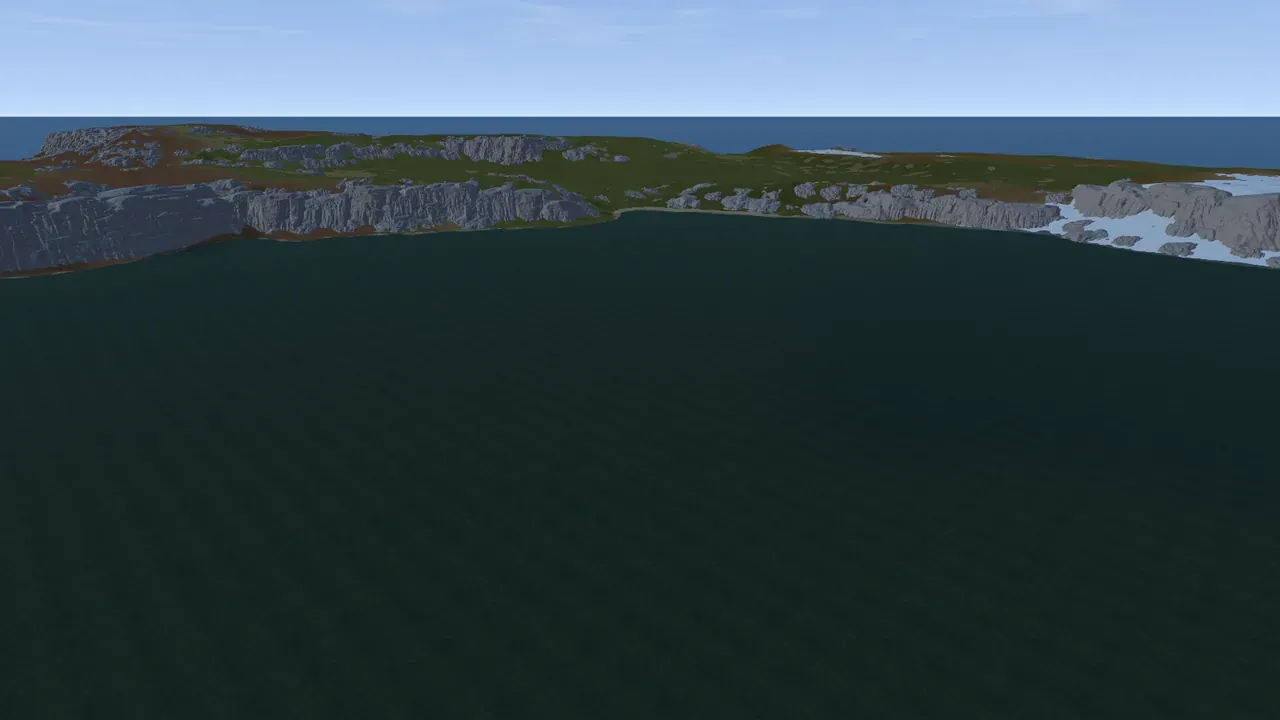
Some big lakes get cliff shores and some do not. That is deliberate: on any given map you get a mix, a crater-like lake ringed with rock next to a flat-shored one.
Where a lake does get cliff shores, the same cliff generation that runs on the rest of your map places real Rust cliff and rock models along it.
Turning lakes off
Section titled “Turning lakes off”Generate lakes sits next to Generate cliffs in the Worldgen panel and is on by default.
Turn it off and every lake is handed back to the ocean. The Lake and Lakeside layers become Ocean and Oceanside and no water body is placed, so a basin below sea level fills with sea like any other bay. A lake perched above sea level goes dry instead, because Rust’s sea plane cannot reach it. Nothing else changes: the terrain, the lake bed, the shoreline and the forest edge are all still generated, and turning it back on restores the lakes exactly as they were.
The export decides for itself, so this only changes what you preview. All layers, No cliffs and Lakes ship the lakes. Cliffs and Lava hand them back to the ocean, and the biomes-and-splats Splats version carries no water bodies at all. See export a Rust .map file.
Islands inside lakes
Section titled “Islands inside lakes”A lake big enough to hold one can grow its own islands, and a large lake can hold several, sometimes joined into a chain and sometimes standing apart.
The important part: these are real islands, the same kind you get anywhere else on the map. They are proper primitives you can select, move, resize and reshape with the island controls, not decorative bumps in the water.
Stray land that ends up marooned in a lake without being one of these islands is flooded away, so you do not get random crumbs of terrain floating in the water.
- If a body of water you expected to be a lake came out as sea, check whether it is genuinely closed off, and how close it sits to the coast.
- Roll the salt to change what grows around a lake without touching the landmass you like.
- A lake island is a normal island. Select it and edit it like any other if you want to shape what is in the middle of your lake.